I'm building my toddler a game wall, and Google's dead Stadia controller runs it
tldrTwo 64×32 LED panels, an ESP32-S3 board, and a Stadia controller that Google made Bluetooth-capable before shutting Stadia down. It now runs Snake, Tetris, Pac-Man, a platformer and a plane shooter, all with toddler rules where nobody ever loses. There are counting and bilingual picture cards that speak English and Hindi, rhymes streamed from my Mac, a teddy that repeats what you say in a chipmunk voice, and a jack-o'-lantern that gets spooky visitors. Any phone or iPad can be its speaker, and all of it updates over Wi-Fi, so the wall keeps changing without anyone touching it.
I wanted to build my daughter a wall that wasn’t the same every day: something she could play on and learn from, that I could keep changing as she grows. Posters and toys stay the same. A screen made of chunky LED pixels, with real sound and a controller sized for small hands, can be a game one day and picture cards the next.
Getting the first pixel lit took about a week of wrong turns. After that, apps came quickly.
Getting the panel to light up
I started on a Waveshare ESP32-P4: fast, 32 MB of PSRAM, and recommended by ESPHome for big panels. The first firmware boot-looped, and after two hours it looked like dead hardware. It turned out to be a known bug in my ESPHome version plus a board setting I’d copied that was meant for early engineering samples. esptool had even printed the chip revision, and I’d scrolled right past it. An upgrade and the right board name, and it booted in seconds.
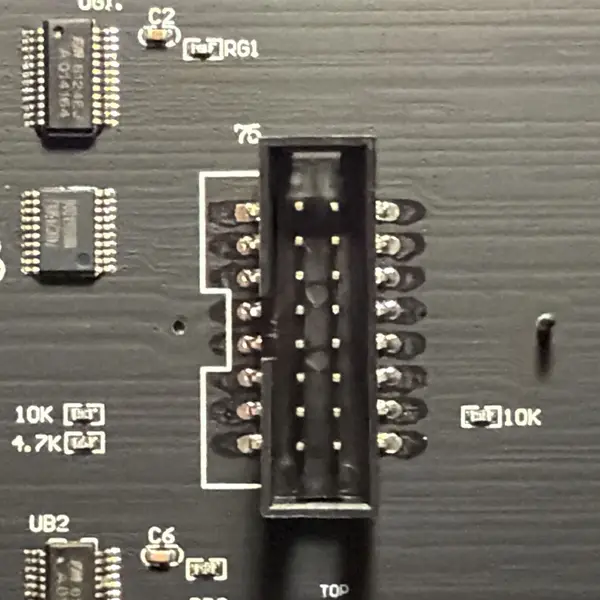
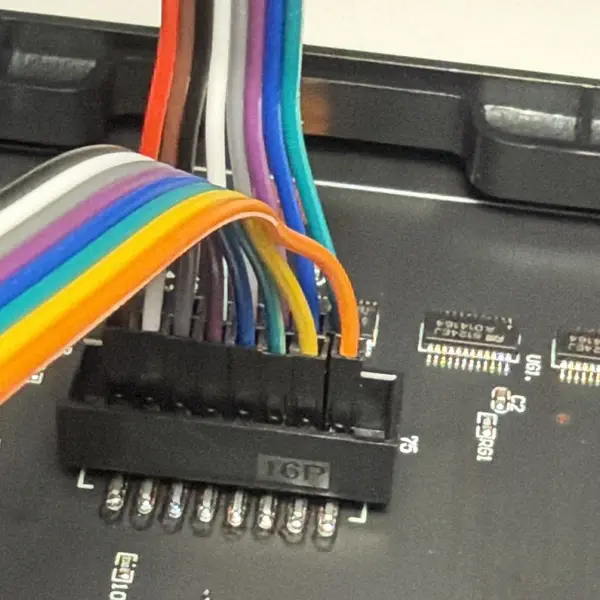
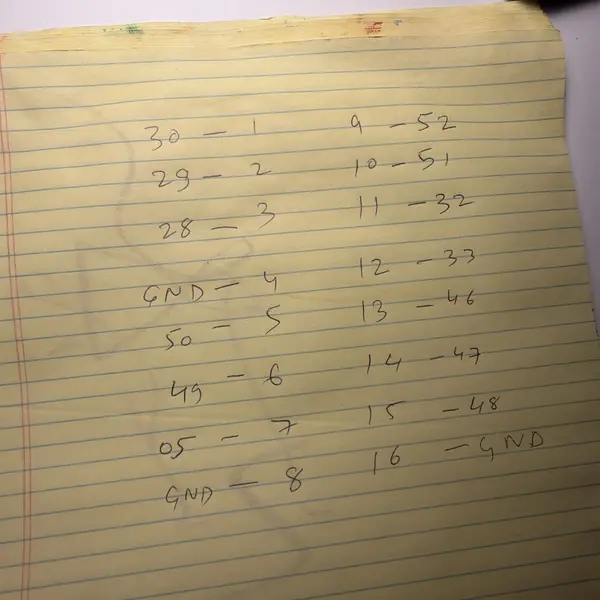
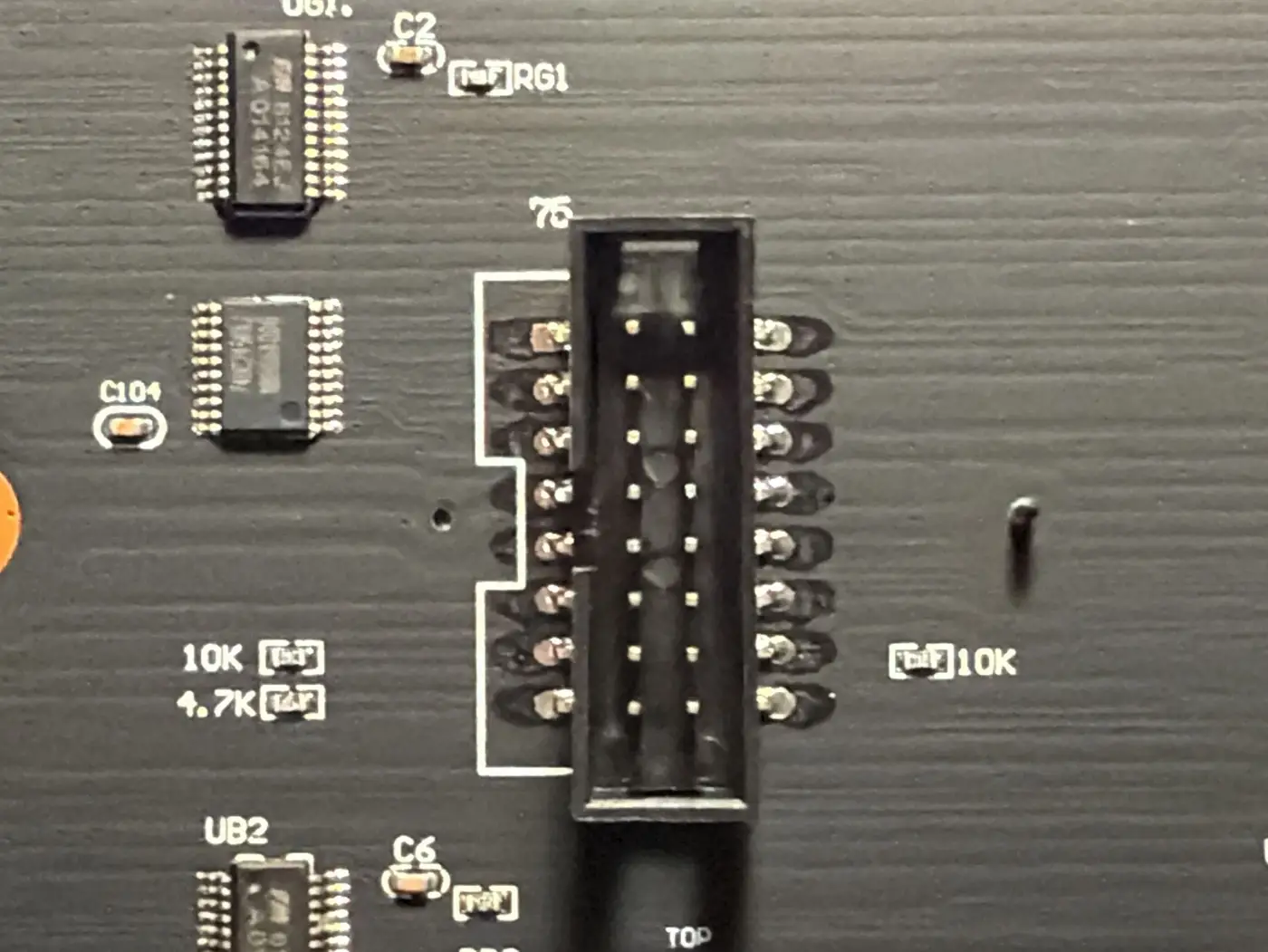
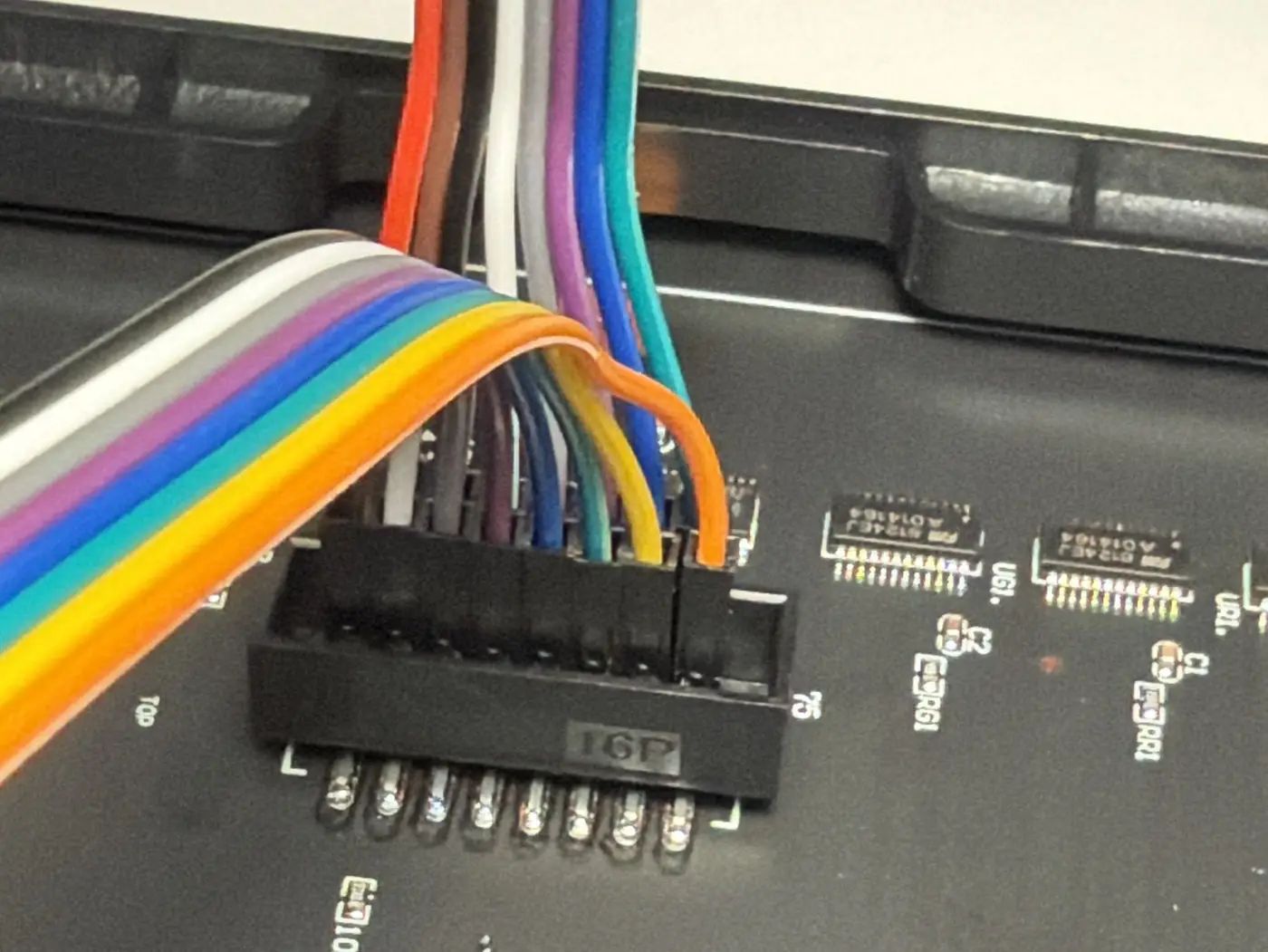
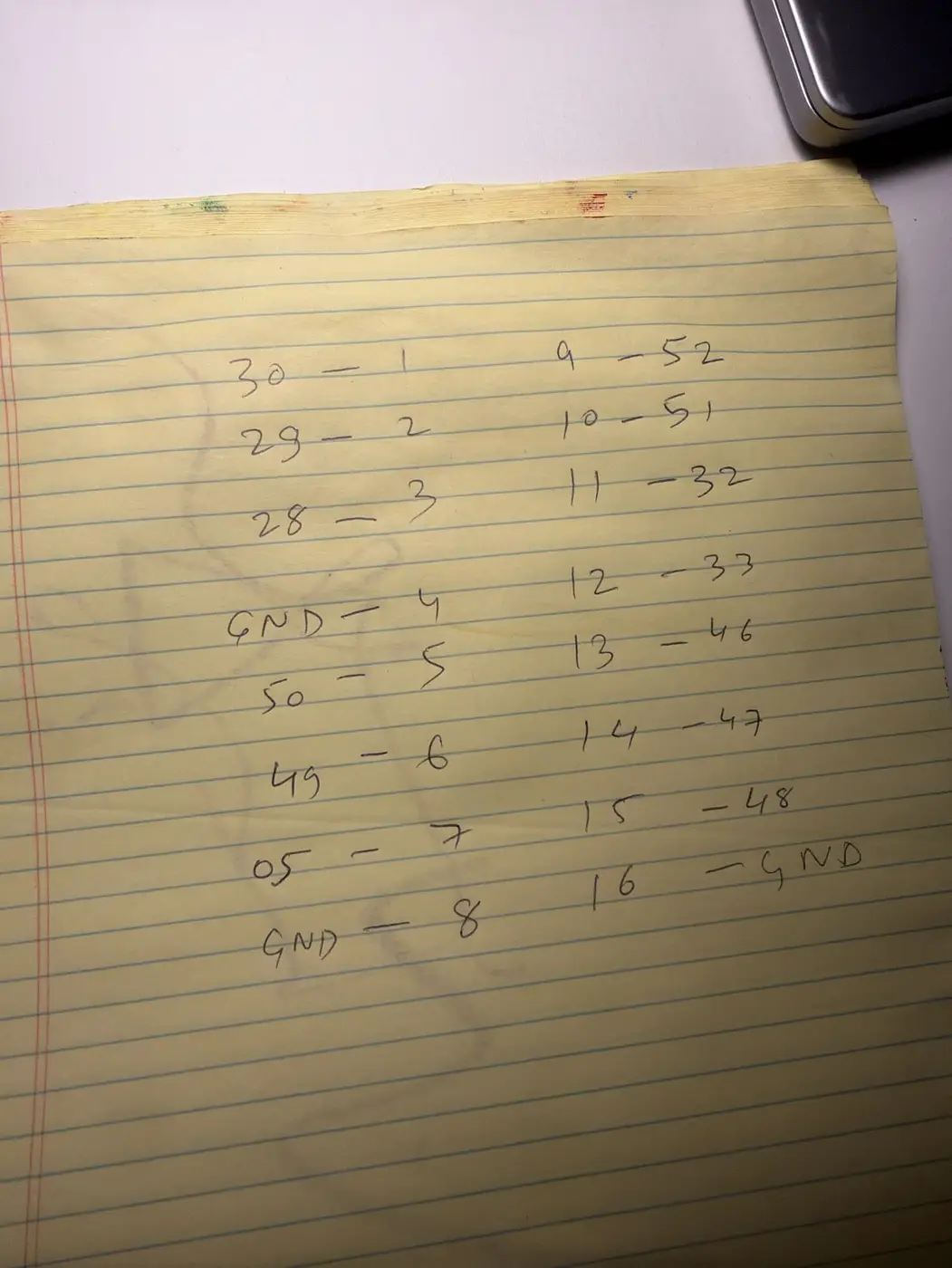
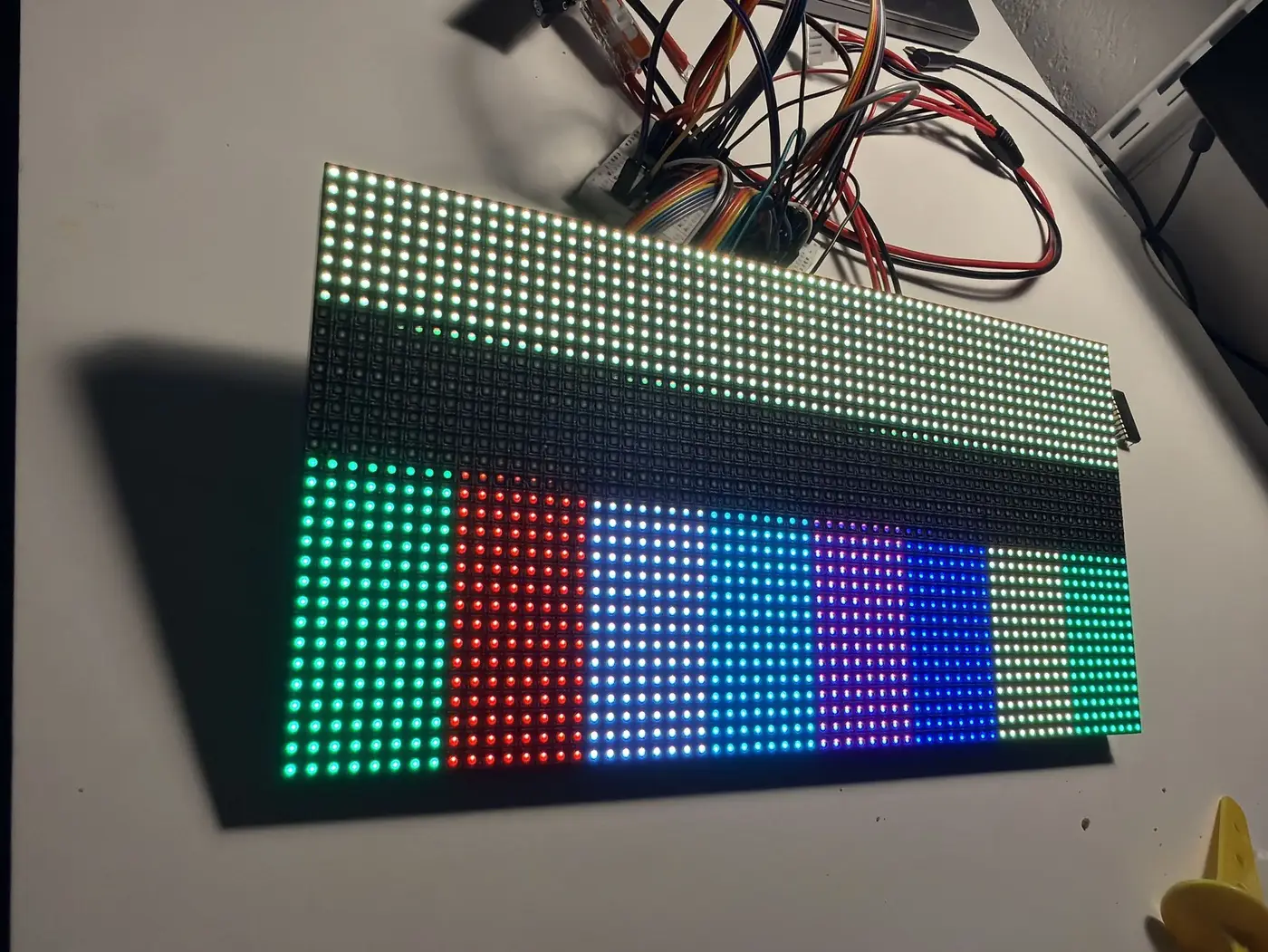
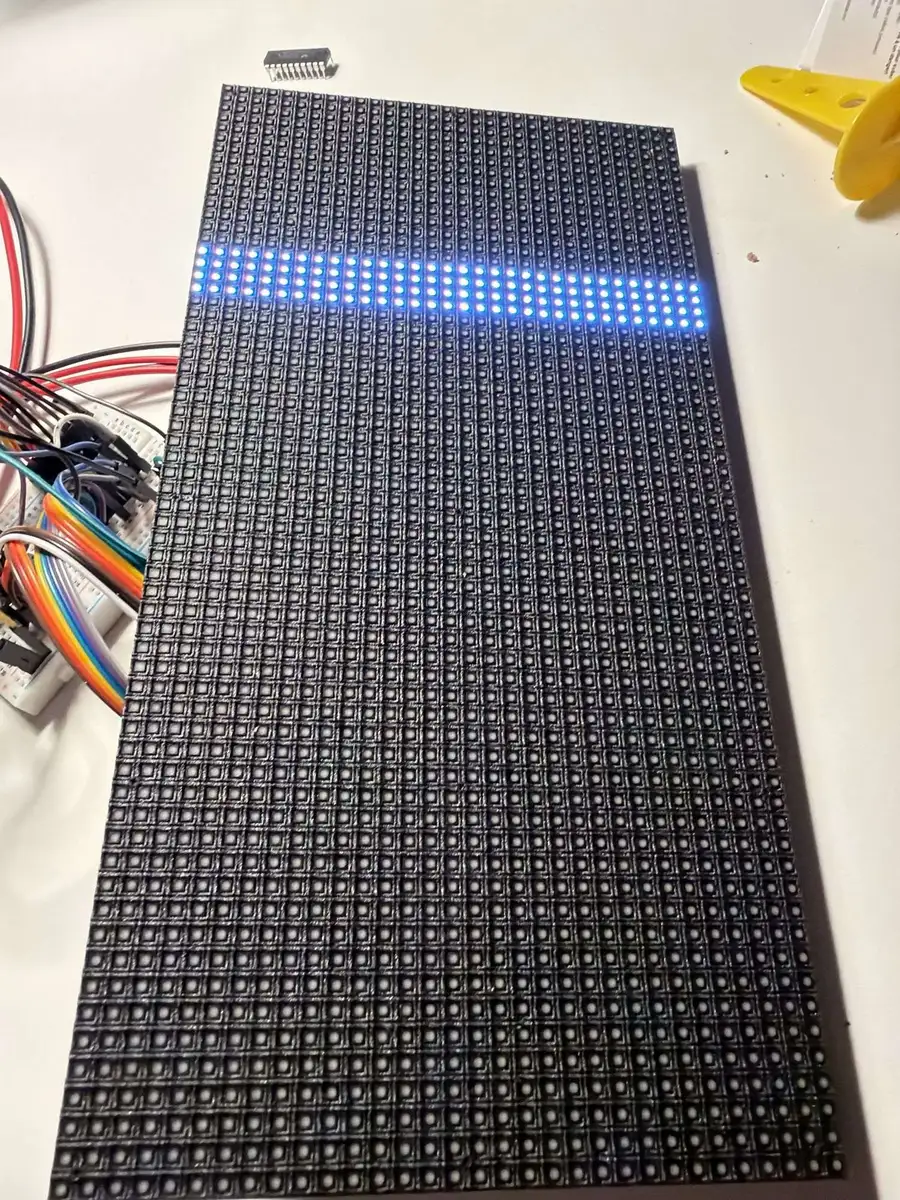
The panel was still dark. A pin test showed two lines stuck low: I’d read the ribbon connector the wrong way, and two signal wires were sitting on ground. After rewiring it, still dark. The chips at the panel’s input were 74HC245 buffers running at 5 V, which only see a “high” above about 3.5 V, and the ESP32 puts out 3.3 V. A breadboard level shifter got me random colours, solid white and rows all showing the same thing, for several more evenings.
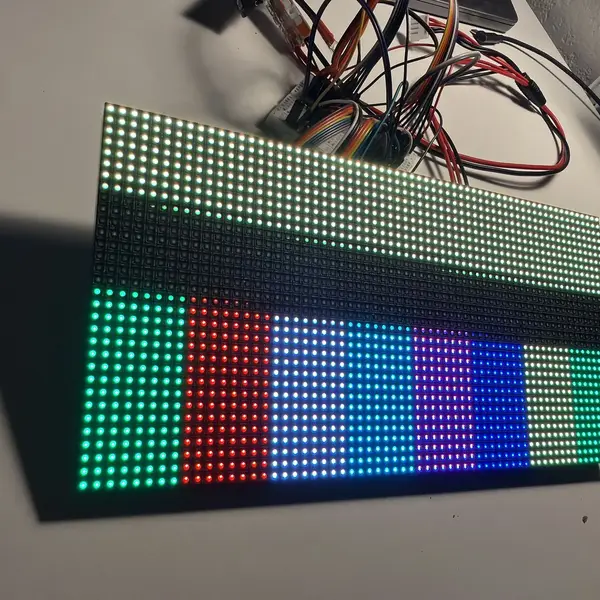
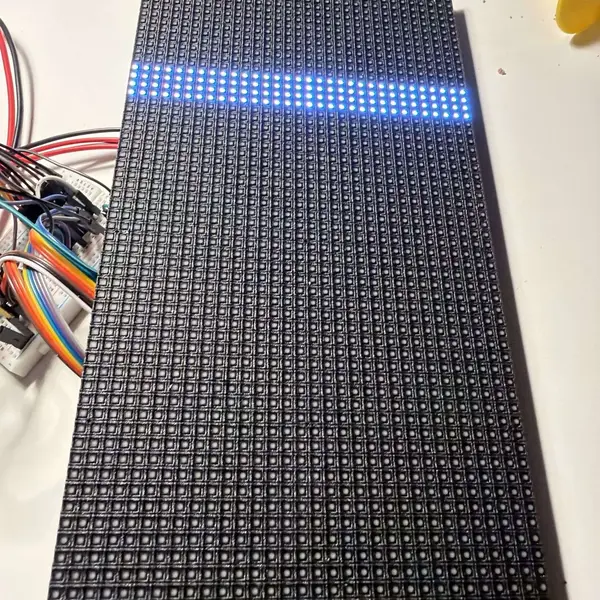
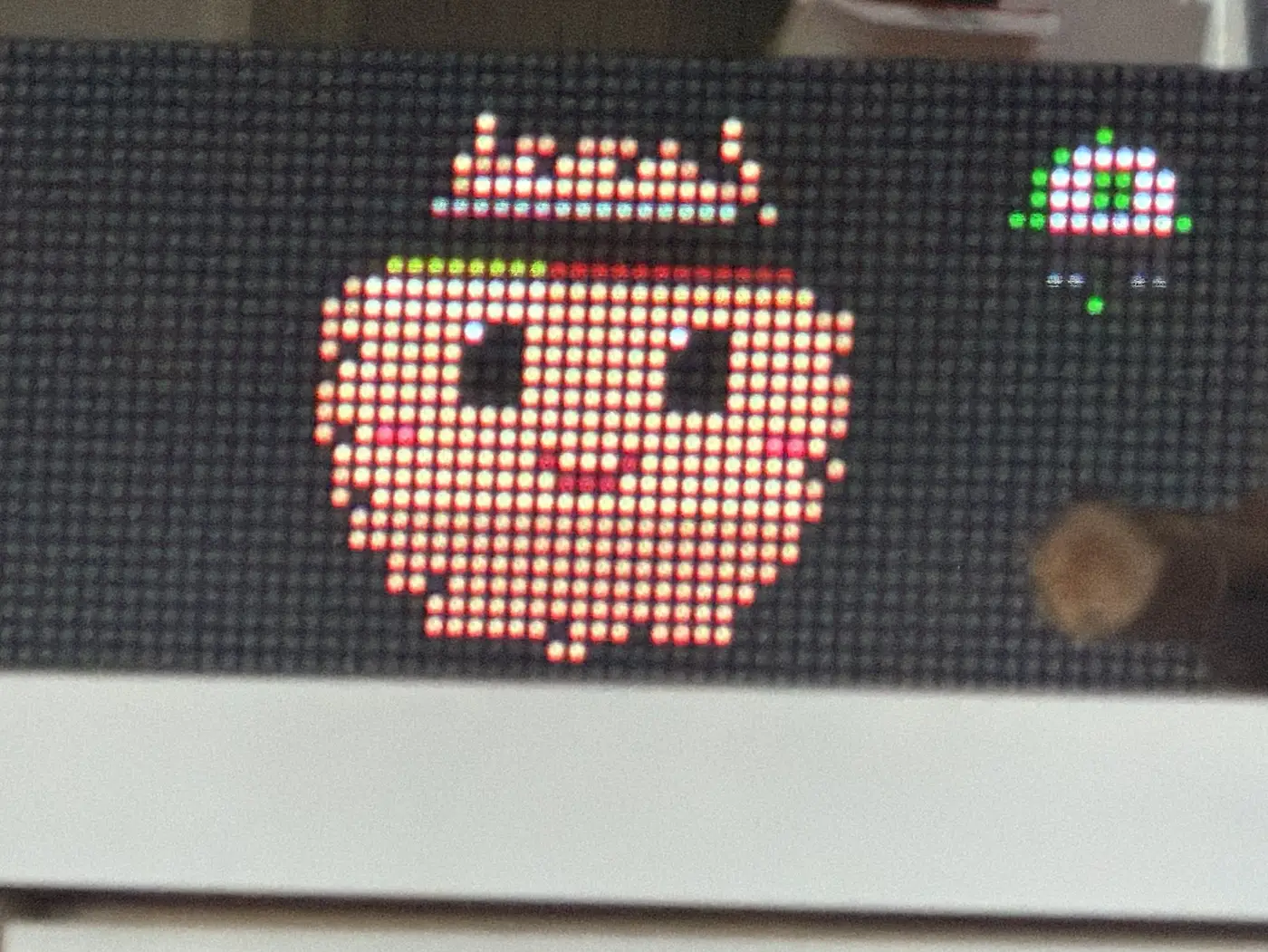
What finally worked was switching boards. The Seengreat RGB Matrix HUB75 S3 has the right buffers already on it, a connector the panel plugs straight into, plus a speaker amp, two microphones and a microSD slot. I flashed colour bars and the panel lit on the first try. The P4 is the better chip on paper, but a board that skips three of your problems beats a faster spec sheet.
The controller and toddler rules
The firmware moved from ESPHome to ESP-IDF with Arduino on top, using ESP32-HUB75-MatrixPanel-DMA for the panels and Bluepad32 for the controller.
I’d had a Stadia controller sitting in a drawer since long before Google shut the service down, and wondered if it could work with an ESP32 at all. I was pleasantly surprised: Google pushed a final update that turned on Bluetooth, and Bluepad32 supports it. It paired once, dropped, and never connected again: the first link had died mid-handshake and left the Bluetooth stack waiting forever. Two small patches to the stack fixed it, and now it reconnects on its own a few seconds after every reboot.
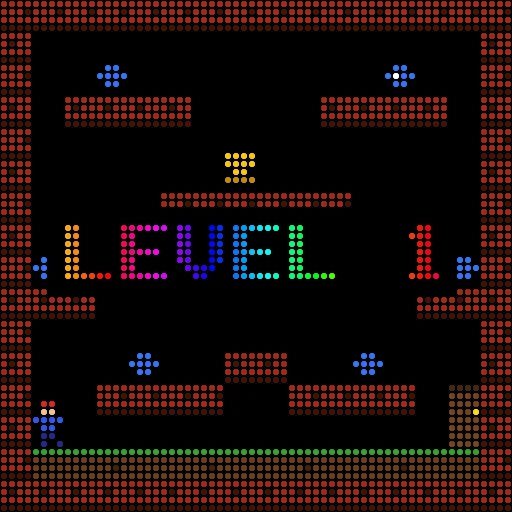
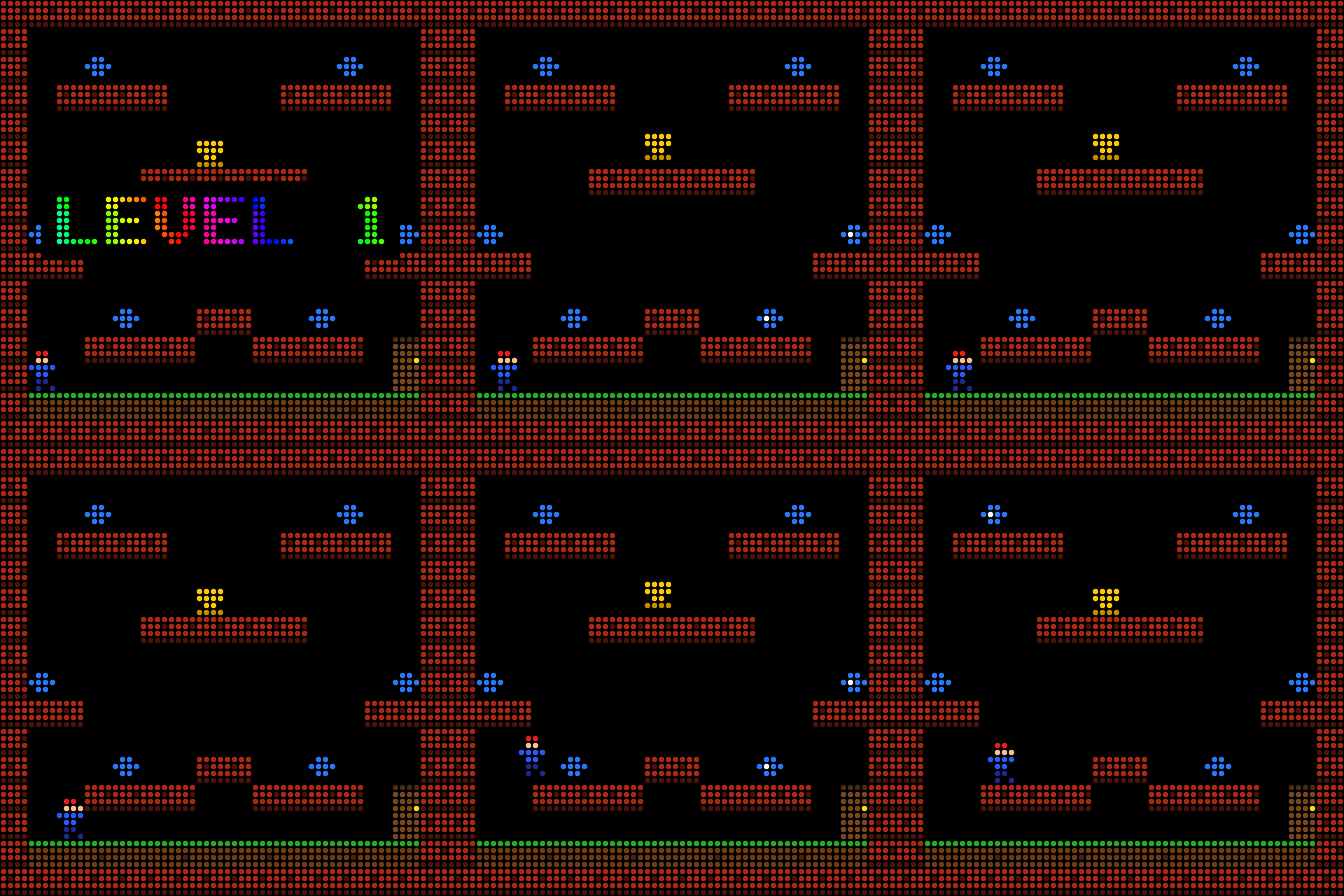
Every game gets the same rule: nobody loses. In Snake, walls wrap and biting yourself just starts a new round. In Tetris the board melts and restarts. In Pac-Man, getting caught sends you back to the start. DAVE, a platformer in the spirit of DOS Dangerous Dave with my own levels, has a double jump and fire that just puffs you back. In DINO you can jump by clapping, and a cactus makes you stumble, not die.
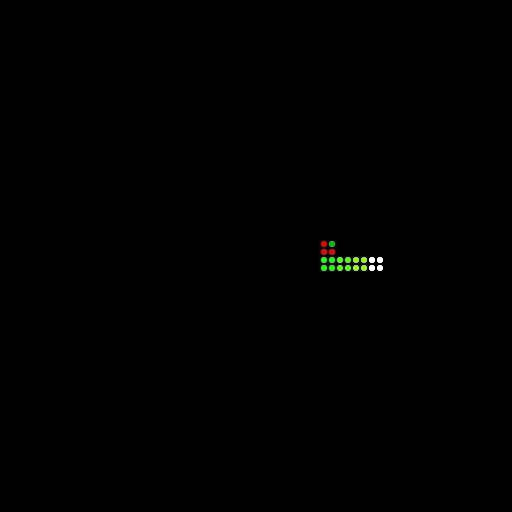
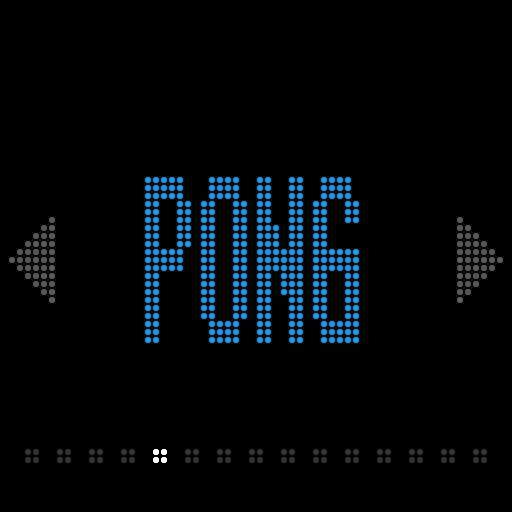
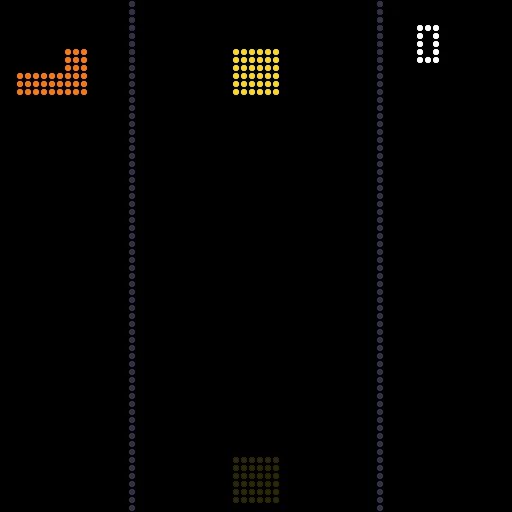
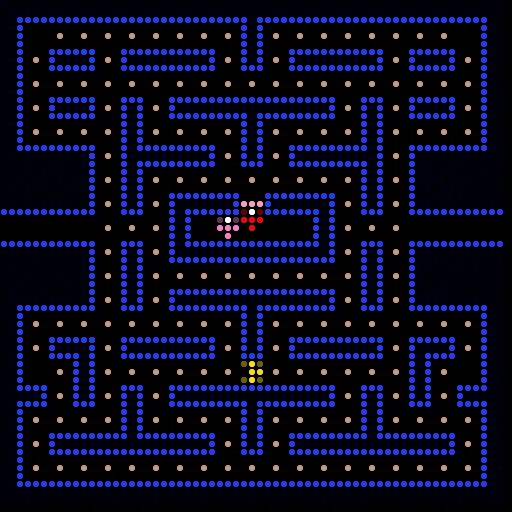
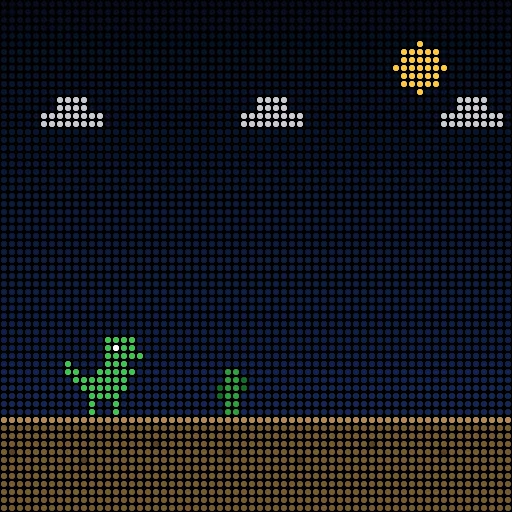
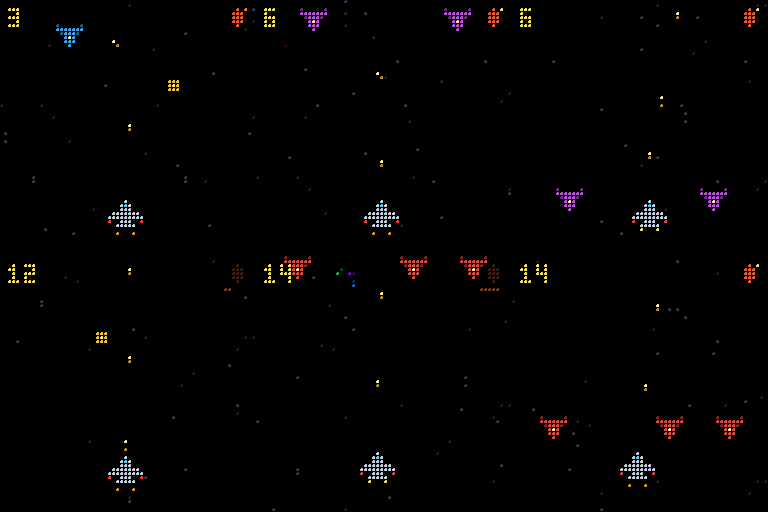
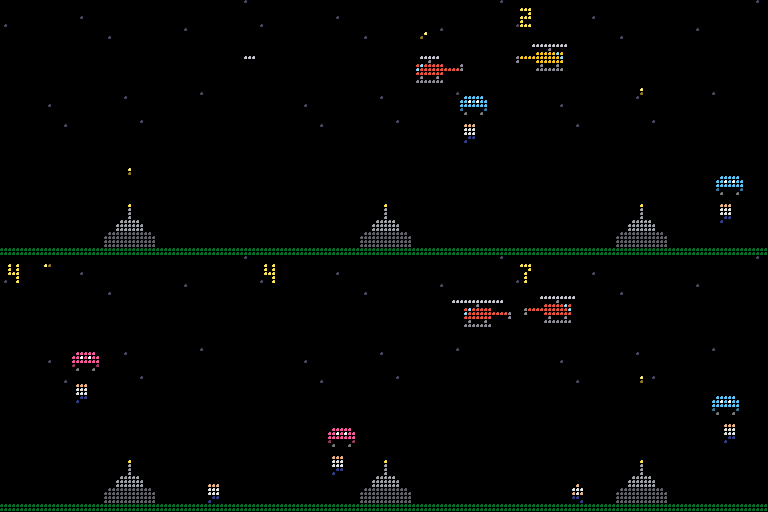
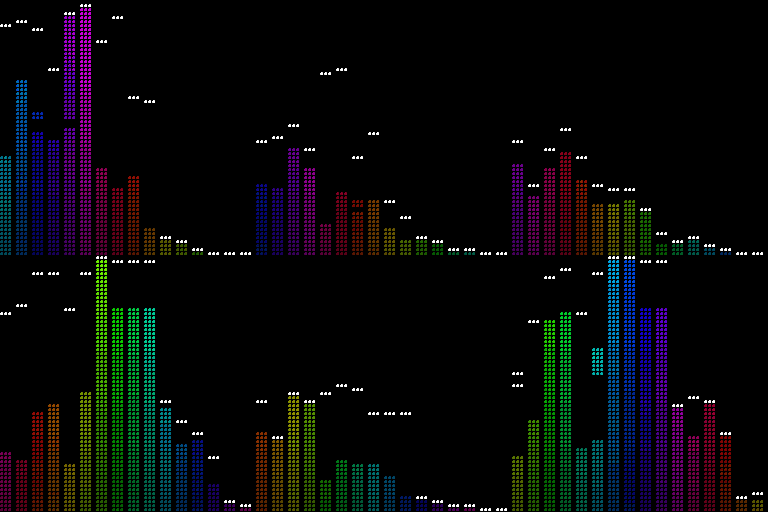
Newer arrivals include RAPTOR, a plane shooter with auto-fire and no lives, and PARA, a toddler take on Paratrooper where clapping fires the turret and parachutists float off on balloons. DANCE turns whatever is playing into bouncing bars, and the busy box makes a sound and a burst of colour for every button.
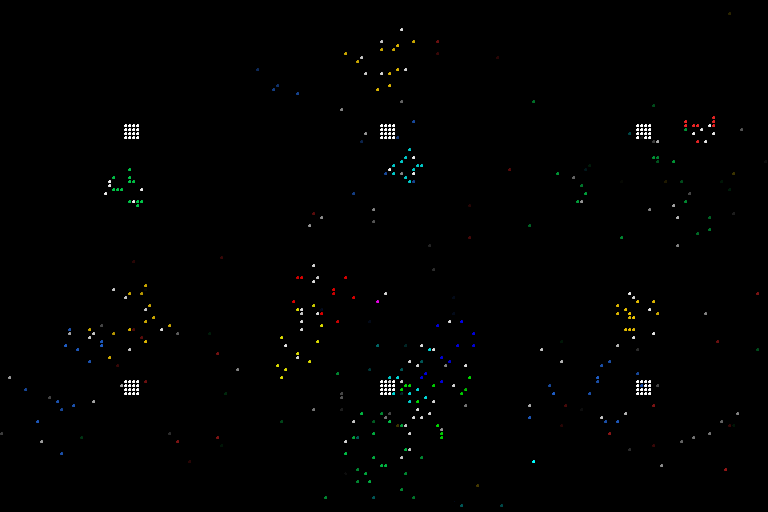
I designed DAVE’s levels by eye, then wrote a checker that runs Dave’s exact jump physics through every possible input. It found that level 3’s trophy couldn’t be reached: it was tucked under a ceiling, and Dave is one and a half tiles tall. Two other platforms needed pixel-perfect jumps no two-year-old can make. Five minutes of simulation saved a frustrated toddler.
Memory
The S3 has 8 MB of PSRAM but only a few hundred KB of fast internal RAM, and Wi-Fi, Bluetooth and the panel’s DMA buffers all want it. The panel library double-buffers every frame in that memory, so the panel count went back and forth: 1, 2, 1, 3, 2. Three panels at reduced colour knocked it off Wi-Fi. Moving the buffers to PSRAM ran at 46 fps with both panels dark, a mystery I logged as “don’t retry”.
What stuck: apps draw into a full frame in PSRAM, and on each frame the firmware compares it with what’s on the panel and writes only the changed pixels into a single DMA buffer. A game frame changes a few hundred pixels, not 4,096, so two panels run 8-bit colour at 49 fps, without flicker and with room left for Wi-Fi and Bluetooth.
Sound, microphones and a teddy
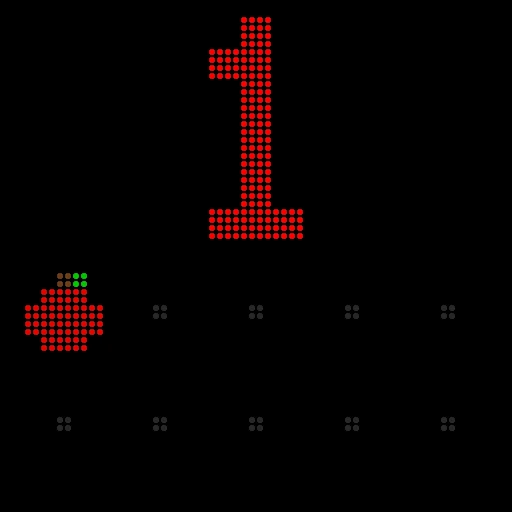
The speaker took no extra wiring. The first app with sound was COUNT: a big number, a row of apples and a voice saying the number, and you can clap to count up. The mic code tracks the room’s noise and goes deaf while the wall is talking, so it doesn’t count its own voice.
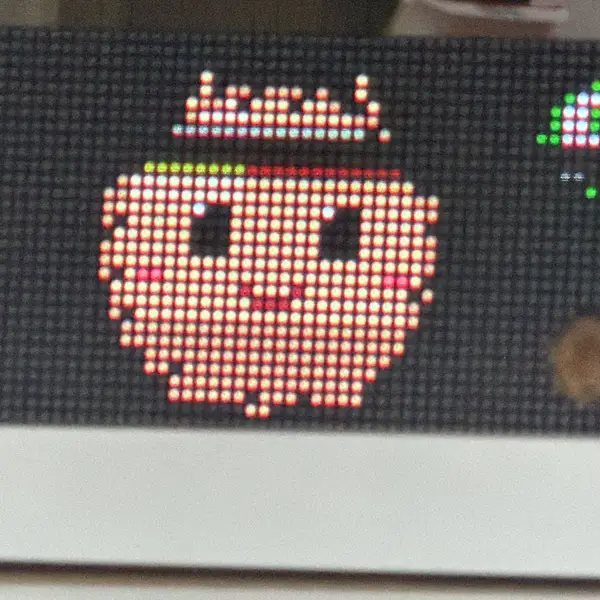
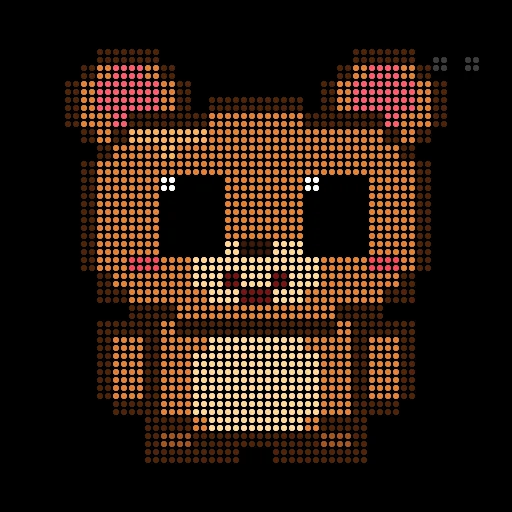
The microphones led to my favourite app. ECHO is a Tamagotchi-style teddy that breathes, blinks and perks up at noises. Talk to it and it plays you back in a chipmunk voice, mouth moving with the sound. Leave it alone for 45 seconds and it falls asleep. The first teddy was a fuzzy beige blob, because LEDs don’t show the colours you pick on screen: browns and greys turn muddy. Outlines and stronger warm colours made it look like a bear.
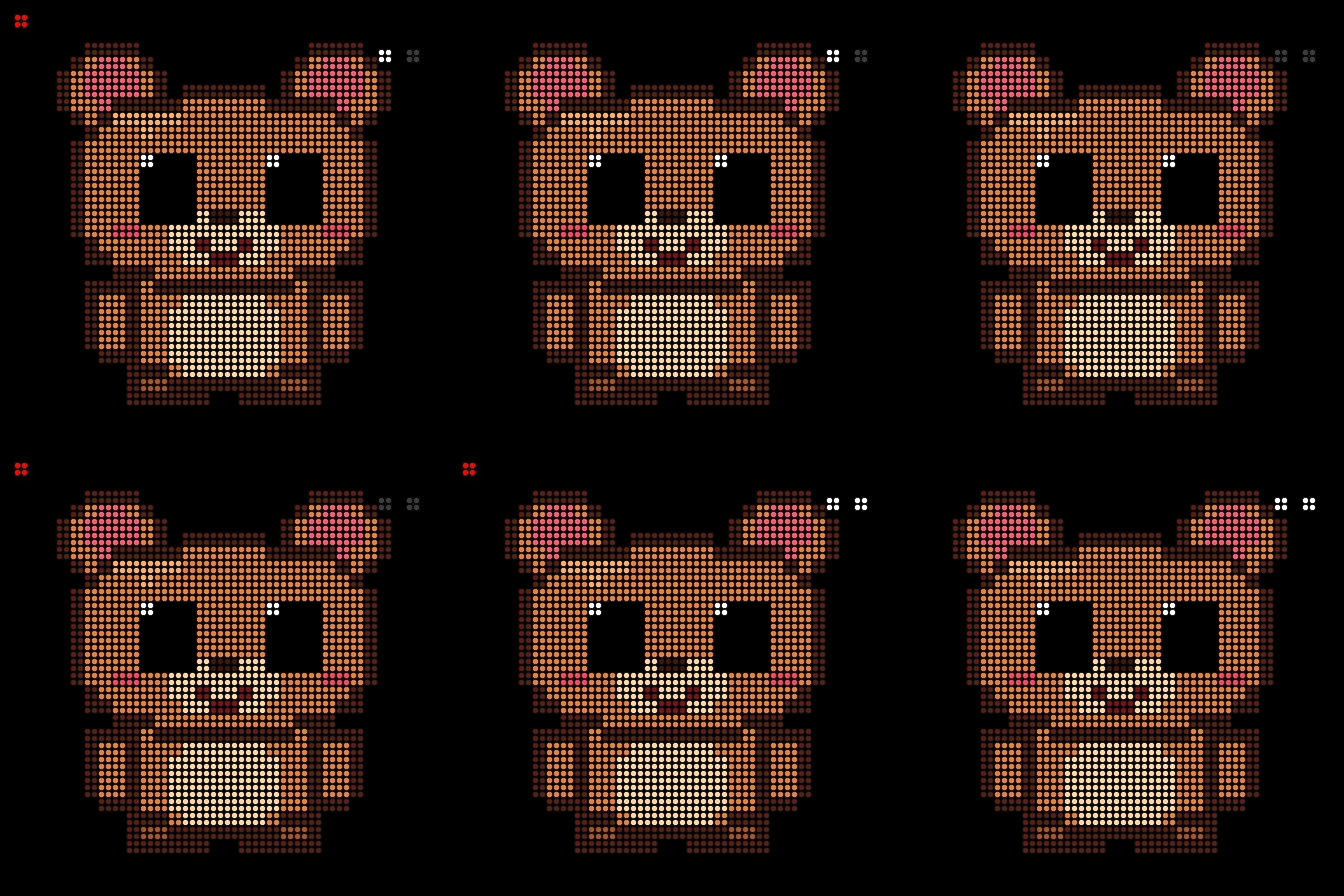
Of course I hooked the teddy up to an AI too: whisper.cpp for the words, Claude Haiku for a reply, macOS say for the voice. It worked, and took 7–8 seconds per answer. To a two-year-old, eight seconds of silence means the toy is broken, so I reverted it.
Phones and iPads as speakers
The sound from the wall was too quiet. The speaker on the board is tiny, and once the busy box turned into a little band (guitar chords on the d-pad, kalimba notes on the buttons, a kick and a snare on the triggers), you could barely hear it. I wanted bigger speakers without running more wires to the wall.
Then I noticed every phone and iPad in the house already has a better speaker than the wall. So any of them can be its speaker now. Open a page from the Mac, tap “start sound”, and every button press on the controller plays on that device, with real bass.
The trick is that the wall never sends audio. Streaming sound to several phones would be slow and fiddly. Instead it sends what was pressed, as one short line of JSON. Strumming a C chord looks like this:
{"k": -1, "s": "strum", "f": [261.6, 392.0, 523.3, 659.3]}
That’s the button, the kind of sound and the note frequencies. The phone builds the sound itself with the browser’s Web Audio API, so a press is a few dozen bytes instead of a stream. The Mac relays each line to every open page as a server-sent event, and the page plays it:
const ctx = new AudioContext({ latencyHint: "interactive" });
addEventListener("click", () => ctx.resume()); // browsers only start audio after a tap
new EventSource("/events").onmessage = (m) => {
  const { f = [] } = JSON.parse(m.data);
  f.forEach((hz, i) => pluck(hz, ctx.currentTime + i * 0.035)); // a strum: each string a moment later
};

function pluck(hz, t) {
  const osc = ctx.createOscillator(), gain = ctx.createGain();
  osc.type = "triangle";
  osc.frequency.value = hz;
  gain.gain.setValueAtTime(0.3, t);
  gain.gain.exponentialRampToValueAtTime(0.001, t + 1.2); // fade out like a plucked string
  osc.connect(gain).connect(ctx.destination);
  osc.start(t);
  osc.stop(t + 1.2);
}
The real page has a proper sound for each instrument, but that’s the idea.
With two or more devices, the Mac splits up the parts: one plays the drums, another plays the tune. Hand them to the grown-ups and it’s a band.
October
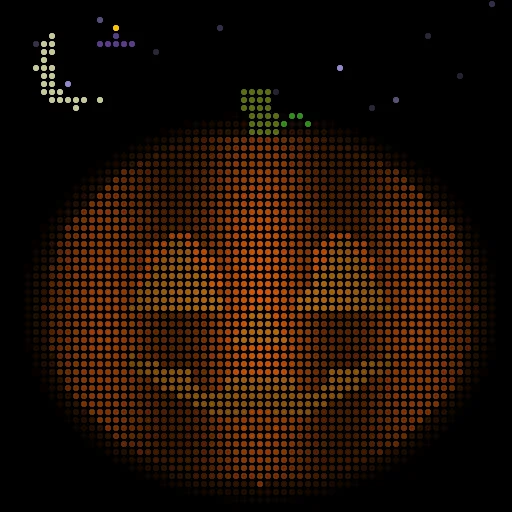
The first menu item right now is PUMPKIN: a jack-o’-lantern with a flickering candle, bats and a moon. Left and right change its face (happy, wink, silly), and a clap or a press makes it shout BOO.
Then it got visitors. Each button calls a different one, and it takes over the whole screen while the pumpkin gets out of the way:
- Ghost: swallows the pumpkin and floats around with it inside until the next clap, then hiccups it back out.
- Spider: zips down on its thread, boings twice and zips back up.
- Witch: zaps the pumpkin into sparkles and cackles before it comes back.
- Black cat: pops up and meows.
- Lights out: everything goes dark except the candle.
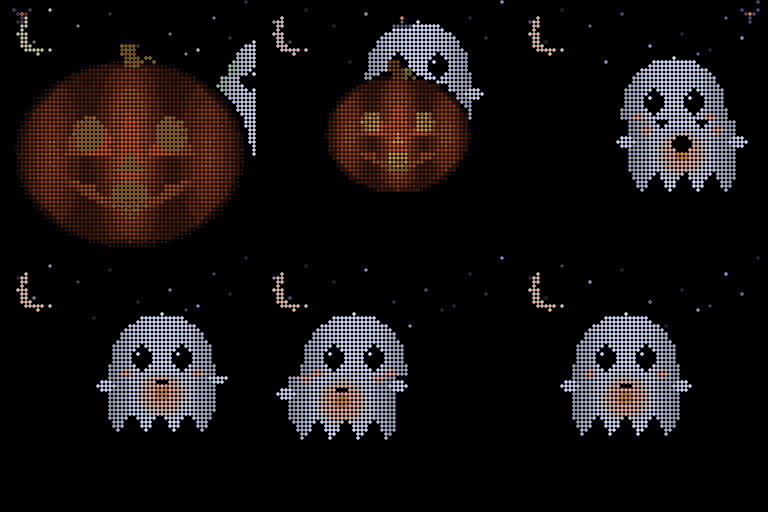
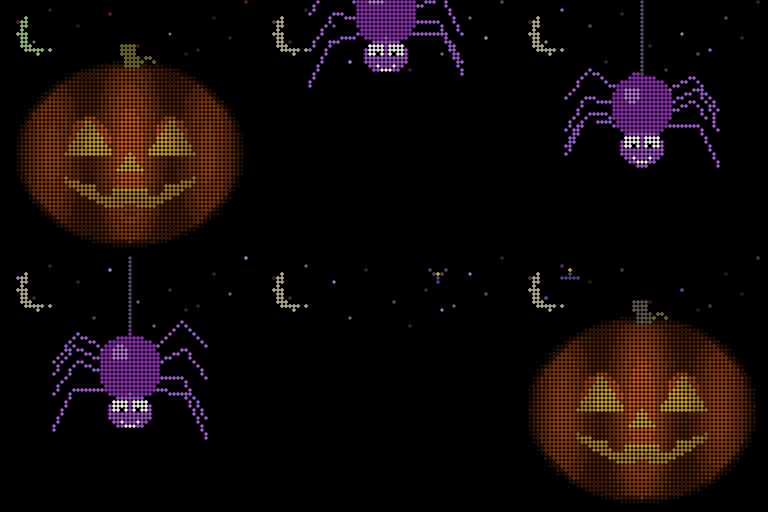
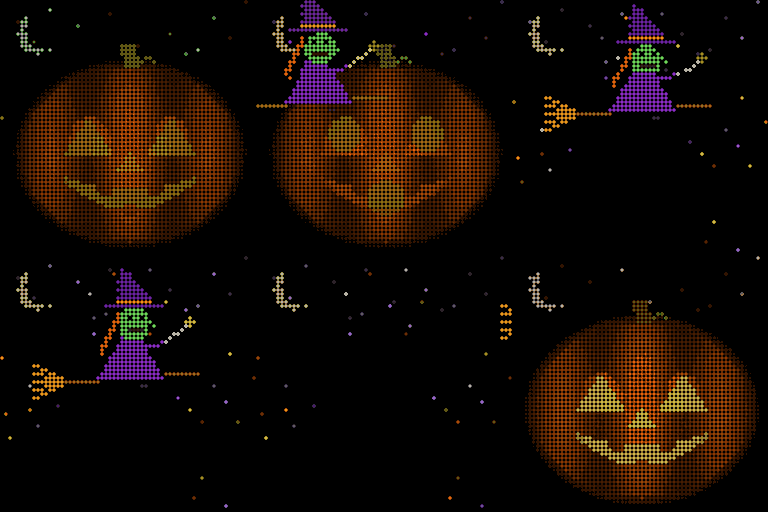
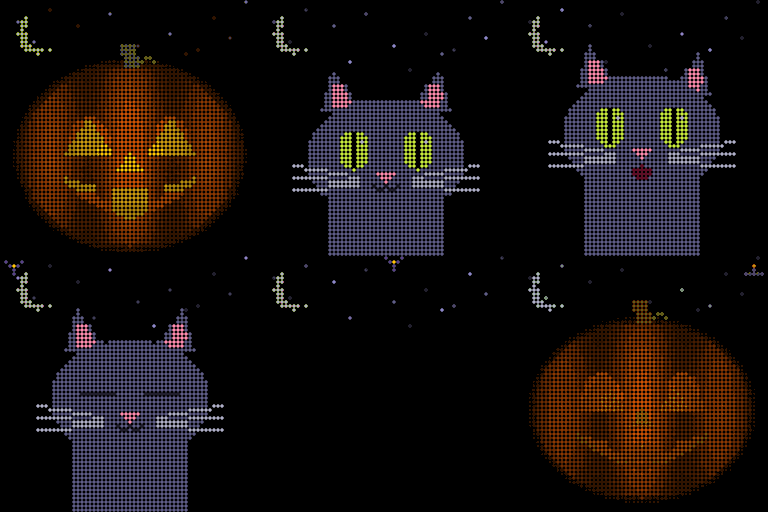
A clap picks a random visitor. If nobody touches it, a quiet trick plays every minute or so, so it stays alive in the window. Each trick has its own sound timed to the scene, and with a phone as the speaker those play through a big hall reverb. A phone by the front door can be a lot spookier than the wall.
It survives the controller turning off and power cuts, so it can sit in the window all evening. The Mac can trigger a BOO or any trick by name too, so a camera at the door could set it off.
What’s next
Next up is the two panels still in the box, big arcade buttons so she can play without the controller, and a proper frame with a frosted cover. But first, Halloween. The pumpkin goes in the window, a phone goes by the front door, and we’ll see who it scares.
To be honest, she can’t follow any of these games yet. Most of them are on there out of my own nostalgia. For now she presses buttons and watches the colours. Hopefully the games start to make sense as she grows, and the wall can grow with her.
There’s more to come.